
theme:fordsonfel:userguide:section9
Table des matières

FordsonFEL: An advanced bootstrap theme
Colours
Access: Site admin/appearance/themes/FordsonFEL/Colours
- 1/This section lets you enter colorimetry elements
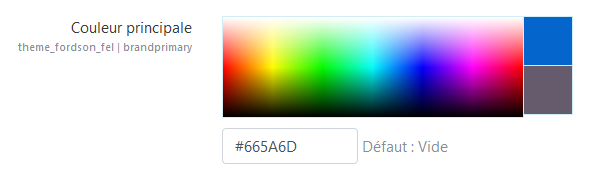
- 2/It lets you define variables and scss override additions to the theme.
The additions being specific and very numerous, they are not detailed here.
Here is an example of colour variable definitions:
 $gris:#CCCCCC!default;
 $blanc:#FFFFFF!default;
 $bleu:#4564af!default;
 $danger:#F07905!default;
Here is an example of an override for quizzes that calls variables:
  /*question display box in an attempt*/
  .que .formulation, .que .outcome {
  border-radius:8px;
  border: 1px solid $gris;
  background-color:$blanc;
  }
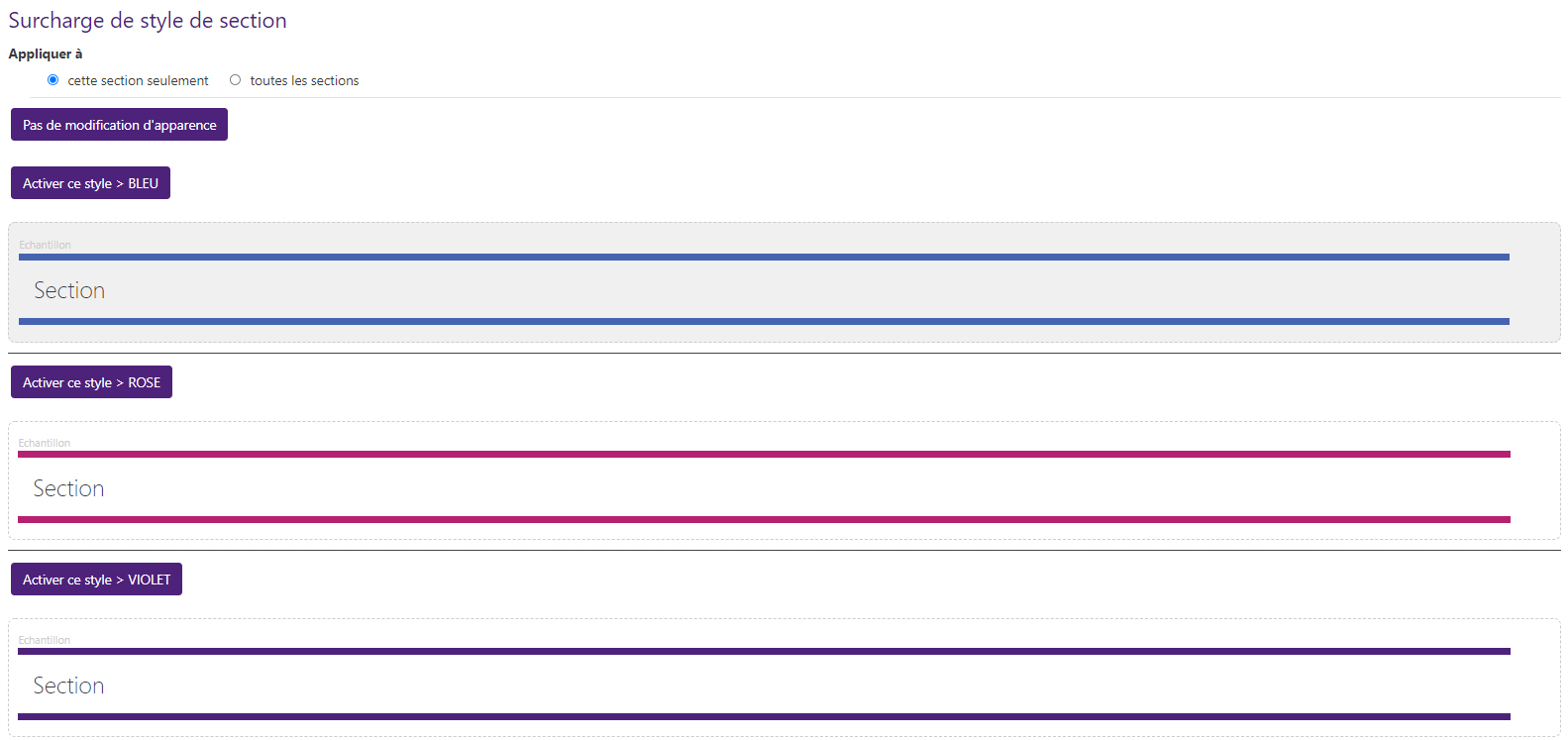
Section style overrides
Administration
In administration, enter the code of the desired overrides.

Result:
In courses
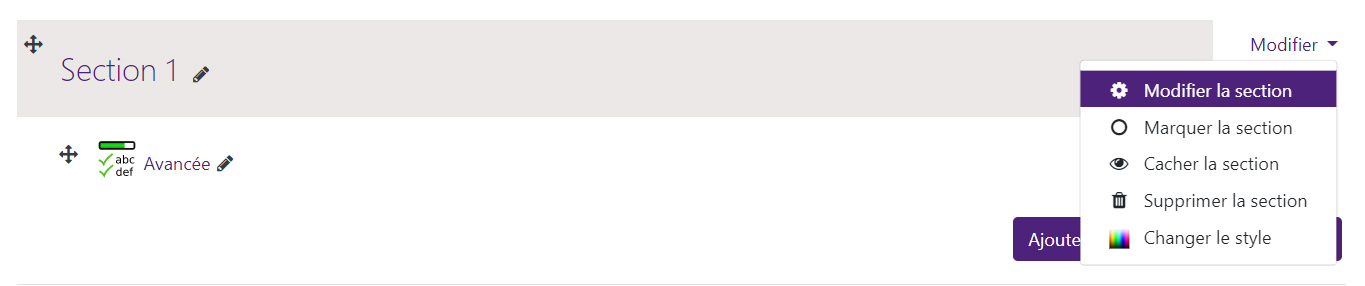
Course in edit mode. The teacher can choose a style for each section of the topics-format or flexsection course via the “Change style” menu next to the section.
Credits
- Valéry Frémaux (valery@activeprolearn.com)- Development and tests
- Florence Labord (florence@activeprolearn.com) : Documentation and functional tests
Back to the user guide - Theme index - Back to the plugins index - Back to the catalogue
theme/fordsonfel/userguide/section9.txt · Dernière modification : de 127.0.0.1