
theme:fordsonfel:userguide:section8
Table des matières

FordsonFEL: An advanced bootstrap theme
Custom image settings
Access: Site admin/appearance/themes/FordsonFEL/Custom image settings
- Show course images: Default yes. Lets teachers customise the course header image by inserting an image file in the course settings.
- Favicon: Favicon for fordson_fel. Images with a transparent background and a height of 32px will work best. Allowed types: PNG, JPG, ICO
- Header logo: Logo displayed on the login page, duplicate of the image possibly used in the login box.
- Default header image: Default image for course headers if no image is inserted in the course settings. Image reused as thumbnail on the MY page.
- Default page background image: Background image for pages.
- Default login image: Background image of the login page. This item was modified by APL to accept several images that will be displayed randomly when the login page loads.
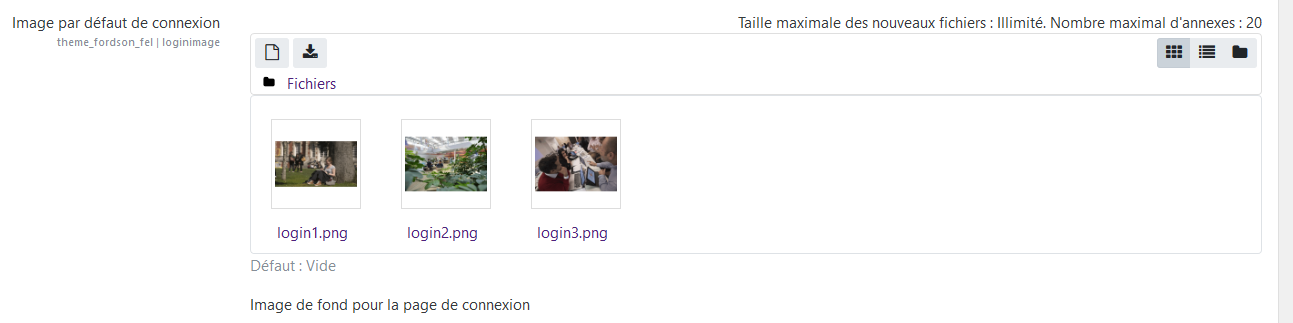
See a live rendering: https://courses.neoma-bs.fr/login/index.php
Credits
- Valéry Frémaux (valery@activeprolearn.com)- Development and tests
- Florence Labord (florence@activeprolearn.com): Documentation and functional tests
Back to the user guide - Theme index - Back to the plugins index - Back to the catalogue
theme/fordsonfel/userguide/section8.txt · Dernière modification : de 127.0.0.1