
theme:fordsonfel:userguide:section13
Table des matières

FordsonFEL: An advanced bootstrap theme
Custom login page
Random login page images
Use the F5 key of your keyboard to see the rendering:
Access: Site admin/appearance/themes/FordsonFEL/Custom login page
This section lets you create a custom login page. The other theme settings that will be displayed on the login page are the following:
- Site administration > Security > Site policies > Force users to log in: Make sure this box is checked so that users are redirected to your custom login page.
- Site administration > Appearance > Logos > Logo: Upload an image here and it will appear above the login form.
- fordson_fel > Custom image settings >: The default login image can be used to change the background image of the login page.
- fordson_fel > Content areas >: The front page can be used to select an option at the top of the page.
- Enable custom login: Default NO. Check to force the login page
- Registration form colour: Background colour of the login form box
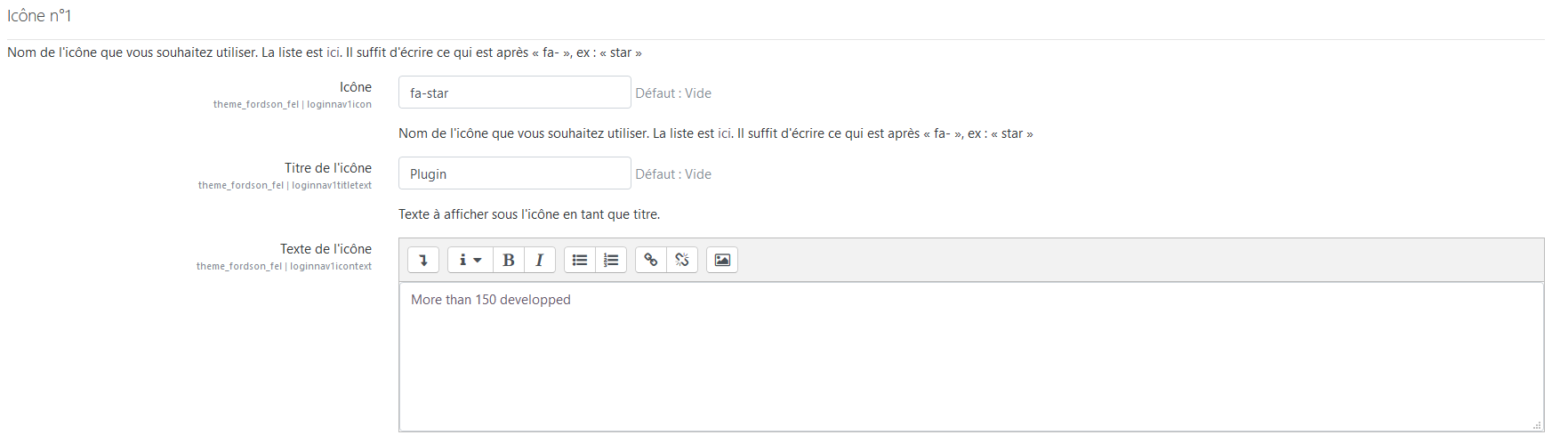
- Icon no. 1, 2 and 3: Choice of icons and texts to display on the login page
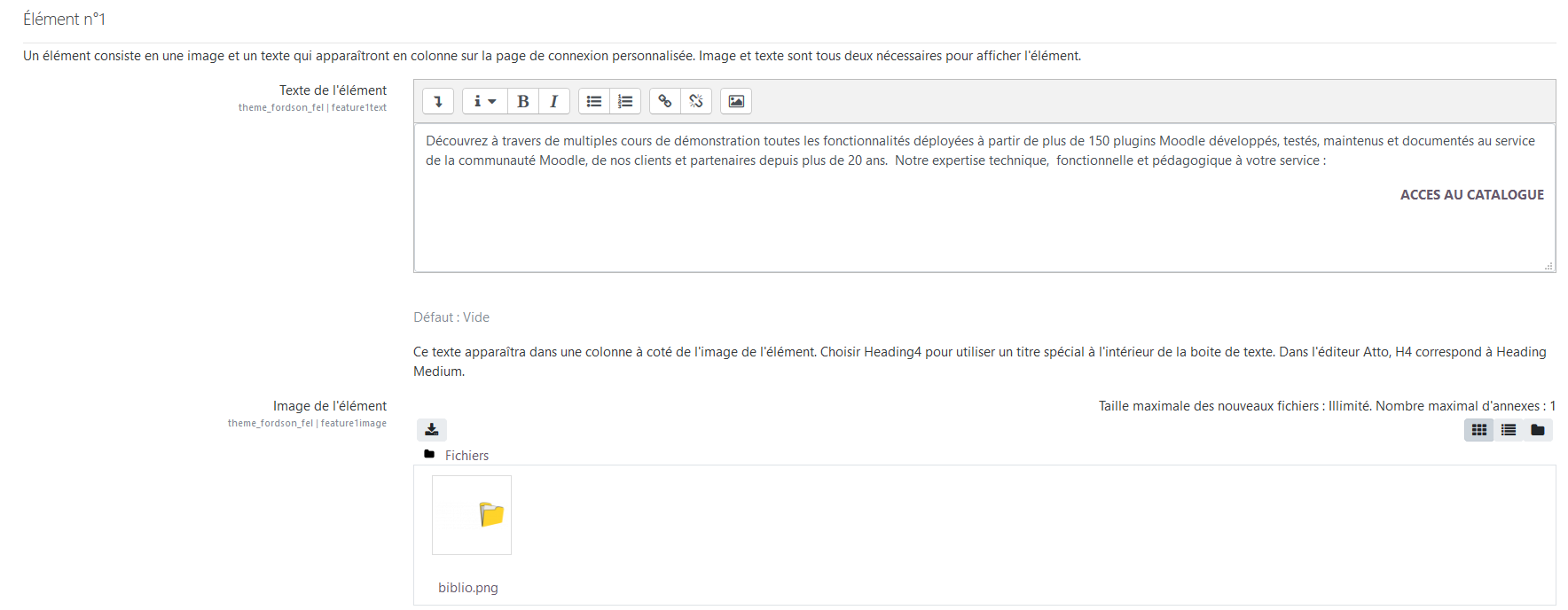
- Elements no. 1, 2 and 3: Choice of texts and illustrations to display on the login page
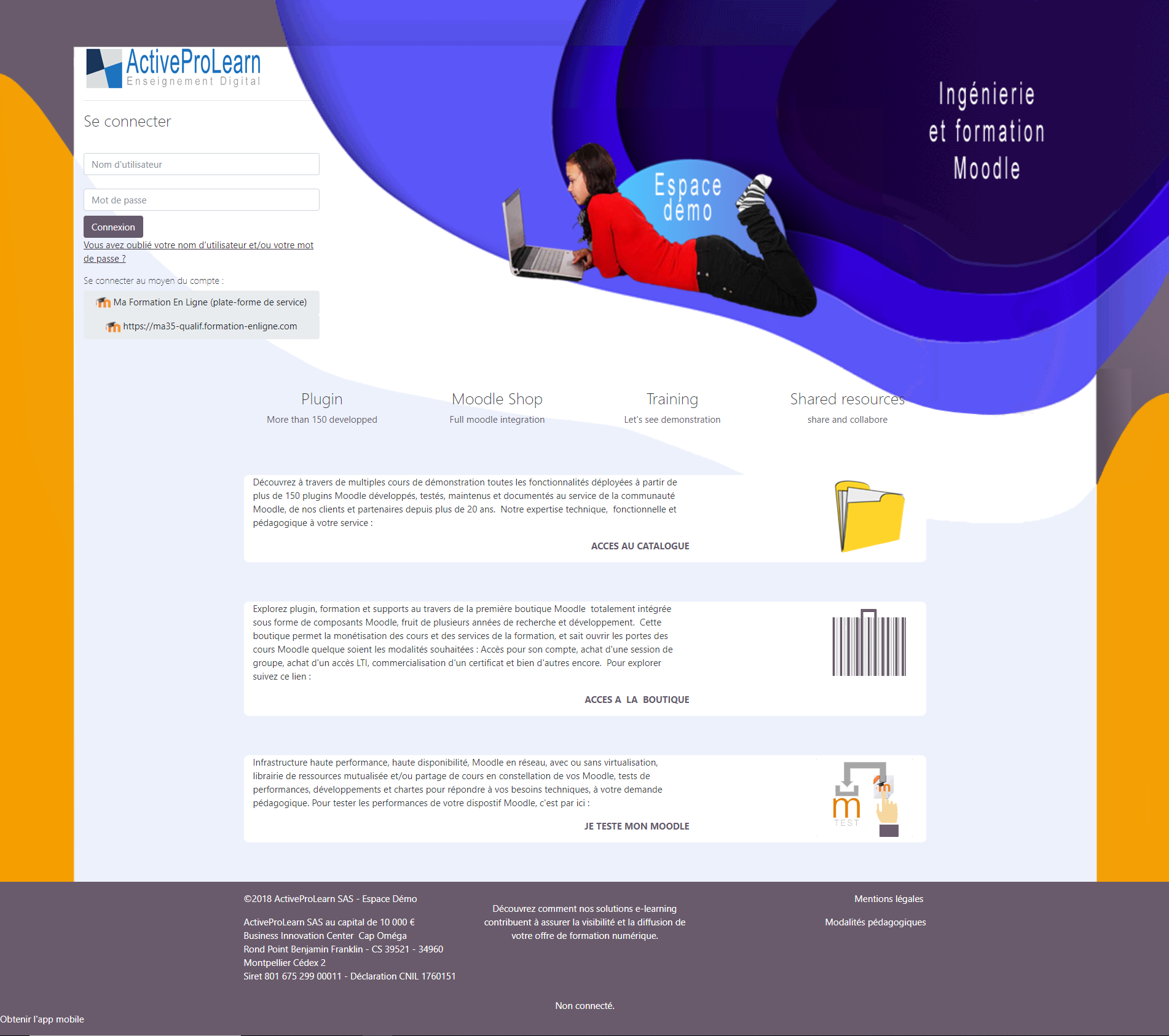
Example of custom login page rendering
Note: This page is overridden via scss
Credits
- Valéry Frémaux (valery@activeprolearn.com)- Development and tests
- Florence Labord (florence@activeprolearn.com): Documentation and functional tests
Back to the user guide - Theme index - Back to the plugins index - Back to the catalogue
theme/fordsonfel/userguide/section13.txt · Dernière modification : de 127.0.0.1