
Table des matières

FordsonFEL: An advanced bootstrap theme
One theme, 10 variants
For Moodle sites hosted by APL, you have 10 variants of the theme, which let you adapt the look and feel to all use cases:
- Fordson fel: Apply this theme to your Moodle instance
- Fordson fel 1: Variant that applies to the course or category of your choice
- Fordson fel 2: Variant that applies to the course or category of your choice
- Etc.
To use the variants: Allow course themes (allowcoursethemes): checked if applicable Allow category themes (allowcategorythemes): checked if applicable
Access: Site admin/appearance/themes/theme settings
Variant settings
This section presents two elements:
- 1/ Access to a utility (“use this service” link) to transfer settings between the different variants of your theme.
In the mode hosted by us, you have 10 variants of the theme numbered 01 to 10 in addition to the main variant “fordson_fel”
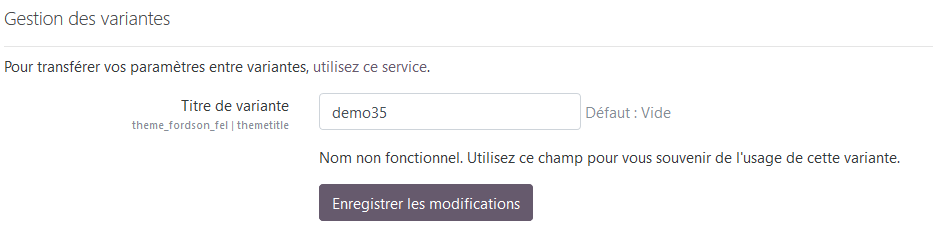
- 2/ entering a variant title to remember the elements of your choice
Access: Site admin/appearance/themes/FordsonFEL/variant settings
Transfer of settings between variants
This utility enables industrialised production of a theme variation by transferring settings from one variant of the theme to another, so you only need to change the colours and/or adapt the settings afterwards, saving considerable time.
Credits
- Valéry Frémaux (valery@activeprolearn.com)- Development and tests
- Florence Labord (florence@activeprolearn.com) : Documentation and tests
Back to the user guide - Theme index - Back to the plugins index - Back to the catalogue