
local:vmoodle:userguide:cdesgenerics
Table des matières

Moodle (local): User Guide: Generic Commands

This page concerns the generic Vmoodle commands in super administration. Generic commands deal with “basic” actions such as the mass modification of a configuration value or the general clearing of caches. the last part illustrates the process after clicking the “Continue” button
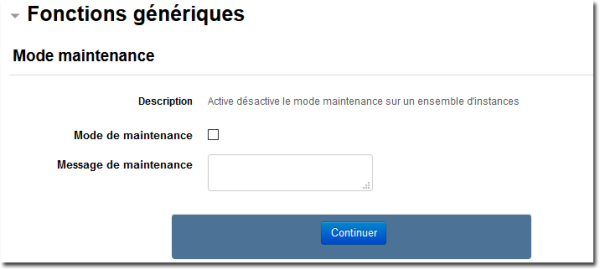
Switching to maintenance mode
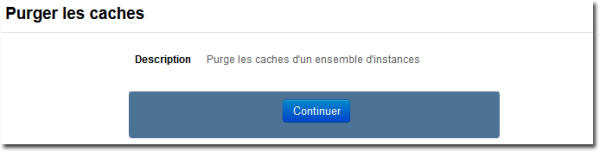
Clearing the caches
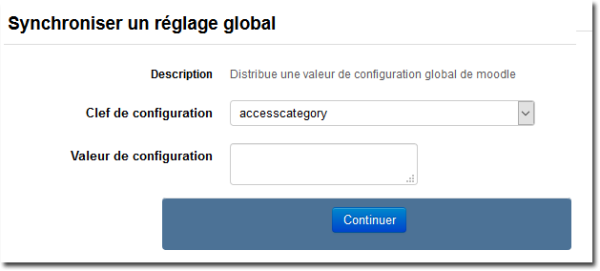
Global synchronisation
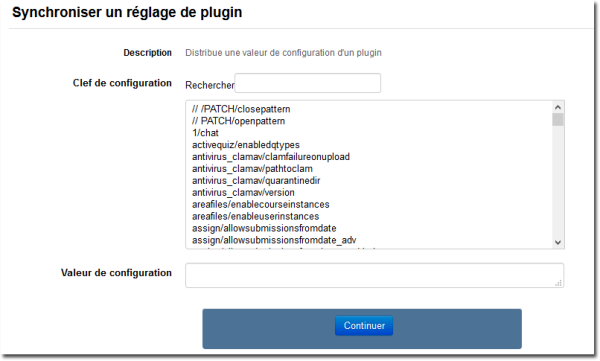
Synchronising a plugin setting
Copying a plugin configuration
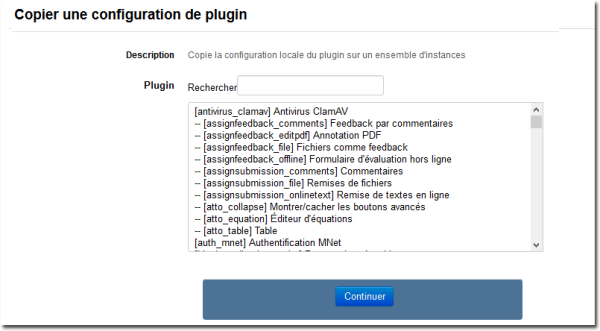
Copying a system file
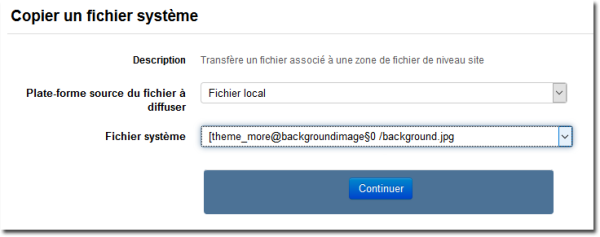
Exchanging a custom language file
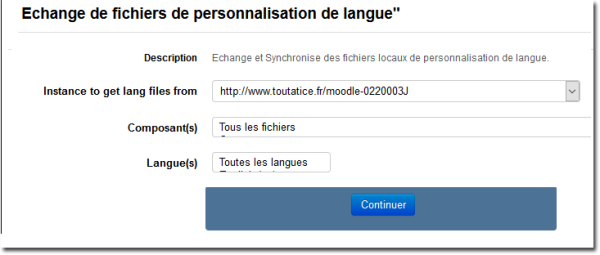
This part is common to each generic command launched:
You arrive at the “Virtual platforms” section of the form, which lets you choose the target instances:
- Choose in the left list all the instances concerned
- Choose the menu button: Add all to select all the instances, Add to selection for a multiple selection of the instances of your choice (with CTRL key)
- Click on the Continue button to launch the command
- The result for each instance appears.
Back to the user guide summary - Back to the VMoodle component index - Back to the plugin index - Back to the catalog
local/vmoodle/userguide/cdesgenerics.txt · Dernière modification : de 127.0.0.1