
auth:netypareo:userguide3
Table des matières

NetYpareo authentication: Settings from NetYpareo to reach Moodle
Introduction
NetYparéo is a training management ERP. The brand is the exclusive property of the vendor YMAG.
This documentation page is therefore provided by ActiveProLearn as support to help you reach the Moodle LMS and does not engage the vendor's responsibility in any way.
Displaying the link to Moodle in NetYparéo
- Go to the menu: Settings/ administration submenu
- Follow the link on the right: Modules/ “token authentication” submenu
- Finally click: “Add an application”
- Application name: Free name, so enter the name of your Moodle
- Token reception address or communication URL: URL of the Moodle login page
Permissions: Check the boxes according to the different account types that must be able to access Moodle
- The following portals will have access to the service:
- Trainer portal
- Learner portal X
- Company portal
- Validate to save
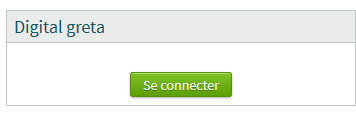
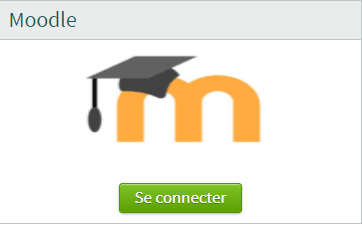
Result examples
| Example 1 | Example 2 |
|---|---|
 |  |
Credits
- Valéry Frémaux (valery@activeprolearn.com) Development
- Florence Labord (florence@activeprolearn.com) Documentation
Back to the component index - Back to plugins index - Back to catalogue
auth/netypareo/userguide3.txt · Dernière modification : de 127.0.0.1