Table des matières

FordsonFEL: An advanced bootstrap theme
Navigation icons
Access: Site admin/appearance/themes/FordsonFEL/Navigation icons
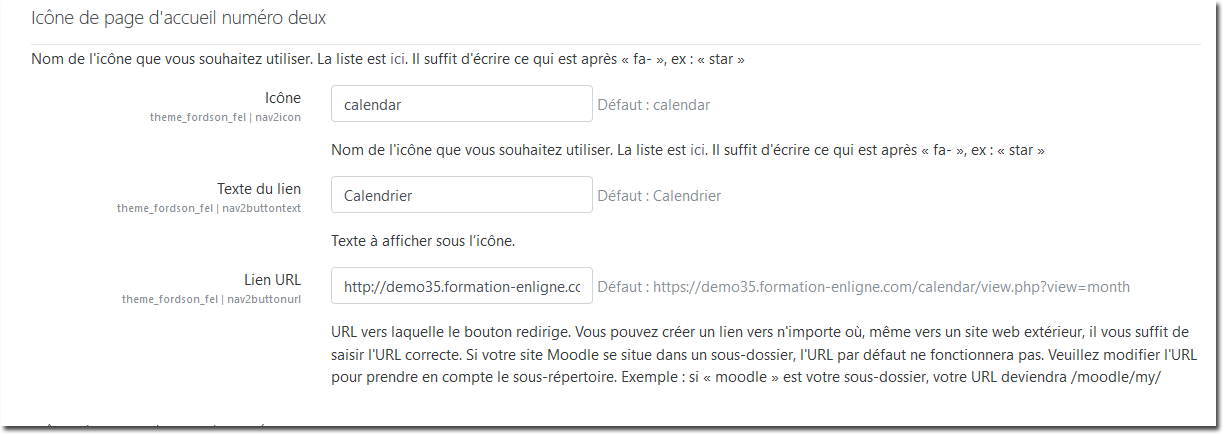
This section presents the settings related to the sizes, texts and links of the “icon buttons” on the standard Moodle front page.
It is replaced by the redesign of the strategy around the dashboard Enhanced My Moodle/dashboards.
It can however be used if arrival on the latter is not forced.
Example of settings to fill in for the standard Moodle front page.
Credits
- Valéry Frémaux (valery@activeprolearn.com)- Development and tests
- Florence Labord (florence@activeprolearn.com): Documentation and functional tests
Back to the user guide - Theme index - Back to the plugins index - Back to the catalogue