Table des matières

FordsonFEL: An advanced bootstrap theme
Content area
Access: Site admin/appearance/themes/FordsonFEL/Content area
This section presents three text area elements to add custom information for users.
- Welcome text for authenticated users: For the theme using the standard Moodle front page.
- Welcome text for visitors: For the theme using the standard Moodle front page.
- Front page alert: This element is displayed on the login page.
Note: The first two items are replaced by widgets called on the dashboard (local_staticguitext), for sites hosted by APL or using the Enhanced My Moodle (Local_MY) component: a configurable and scalable dashboard.
Adding the "New" signal:
- 0 removes the message, otherwise it is the number of hours it is kept
- The signal is global to the platform. It therefore concerns all courses and all activities/resources
- It displays “New”, or “Updated” if the activity already existed and was simply modified: the activity settings, not necessarily its data content (activity settings edit mode)
- Someone who has visited the added or modified resource no longer sees the signal.

Custom activity thumbnail width
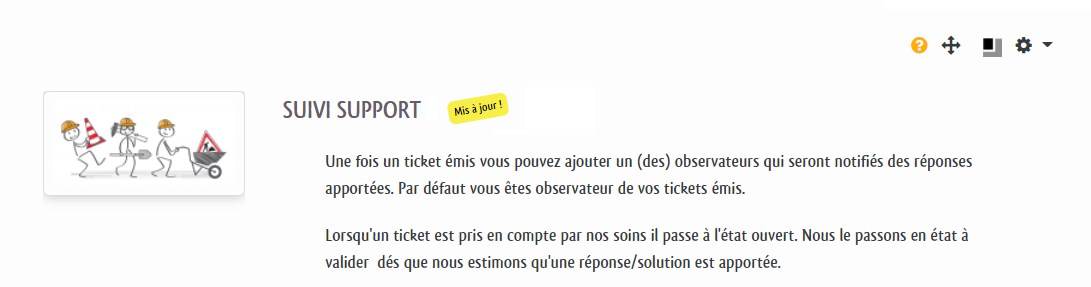
Sets in pixels the size of the custom thumbnail of each activity or resource. (black and grey square icon next to activities or resources)

Example of custom thumbnail and signal
Credits
- Valéry Frémaux (valery@activeprolearn.com) - Development, integration and tests
- Florence Labord (florence@activeprolearn.com): Documentation and functional tests
Back to the user guide - Theme index - Back to the plugins index - Back to the catalogue