Table des matières

FordsonFEL: An advanced bootstrap theme
Presets
Access: Site admin/appearance/themes/FordsonFEL/presets
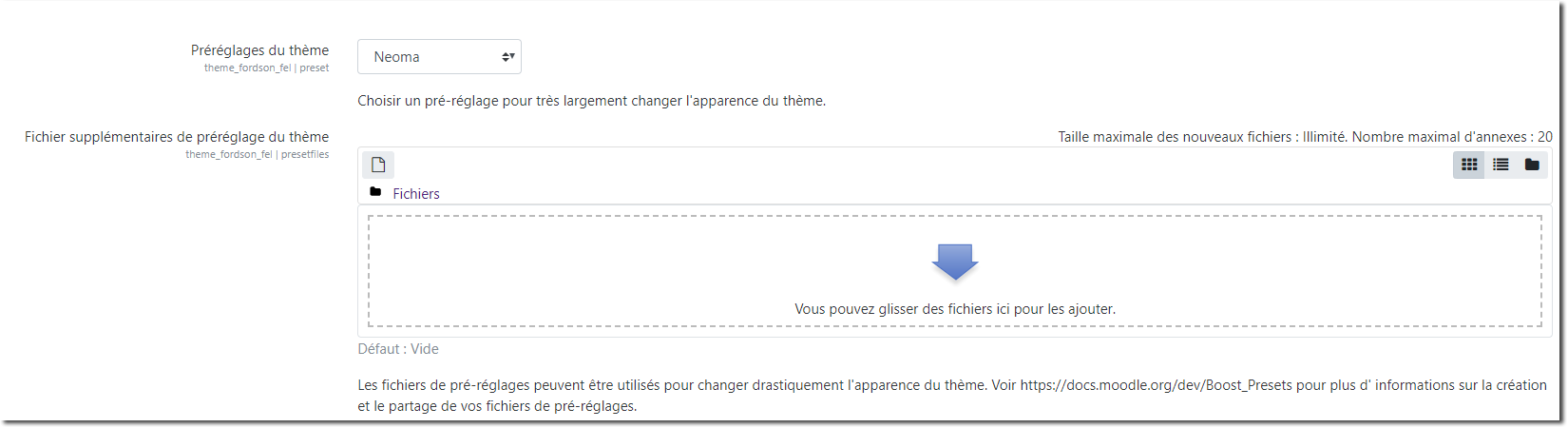
This section presents two elements:
- The optional possibility of using presets that will affect the presentation through scss; by default 3 preset sets are provided: E-learner, Moder moodle, pulse. By default a preset must contain the variables, “import” and “rules” to define the areas affected by style overrides.
- The choice options for the style of course pages in standard format
The presets
1 // Example of preset file
1 /*************************** Variables section. *****************************/
1  $card-bg: green;
1
1 /*************************** Import section  *****************************/
1 // Always the same.
1 @import "moodle";
1
1 /*************************** Rules section ****************************/
1 body {
1    background-color: $card-bg;
1}
The options
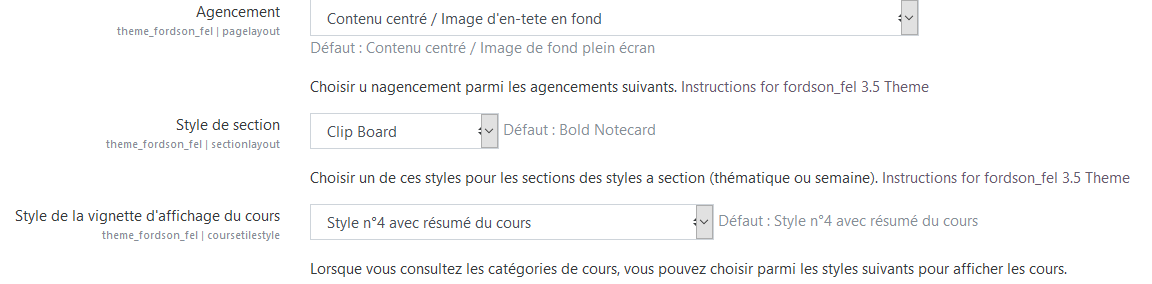
Layout
Five choices are available to you, which will affect the global rendering of the course by changing the display/location of the course illustration image you will choose, and possibly the rendering of course thumbnails when you browse course categories.
Choose from:
- Default boost layout
- Full width/header image
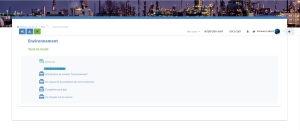
- Centred content/header image as background
 |  |
|---|
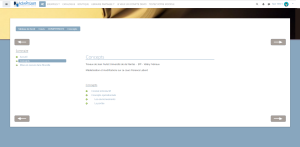
- Centred content/full-screen background image
- Default boost layout/header image in the course box
Section style (layouts settings)
Eight choices are available to you, which will affect the global rendering of the course by changing the style of section titles:
- Boost

- Bold Notecard

- Tabs

- Clipboard

- Simple boxes

- Fancy Section Title

- Academic style

- Corporate style

Note that colours, fonts and positions can be changed to your wishes through scss overrides.
Course display thumbnail style
Below, style of course thumbnails from local my with the coursegrid widget
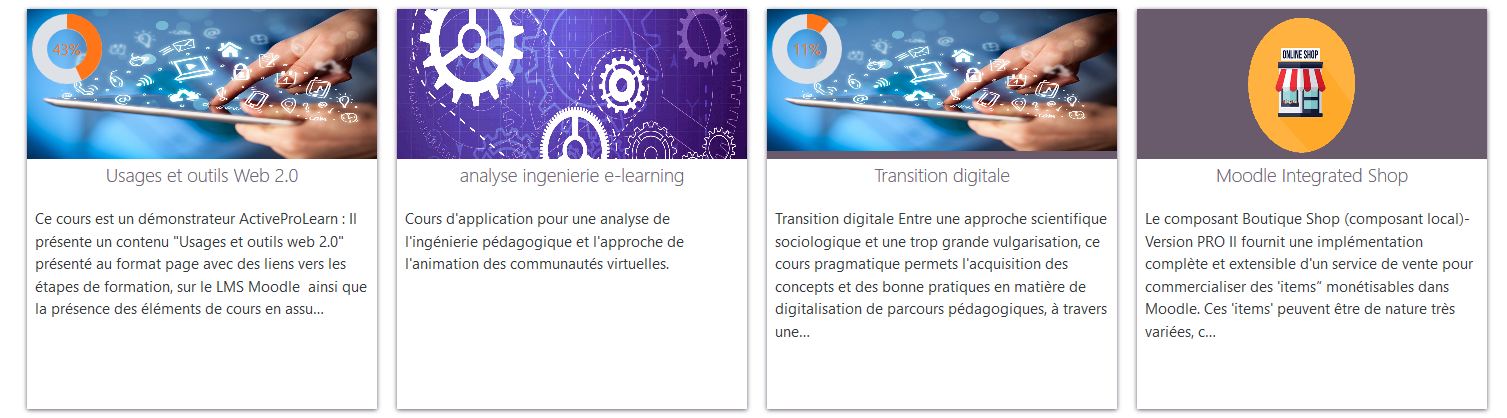
The following two settings are only useful if the standard Moodle front page is used:
- Front page announcement area style selector: Top bar highlight, reminder, simple, boxed shadow - settings not tested
- Block placement options: single column or 3 columns - setting not tested
Plugin Integrations
Collapsible Topics Course Format - not tested Easy Enrollment Plugin - not tested
Credits
- Valéry Frémaux (valery@activeprolearn.com)- Development and tests
- Florence Labord (florence@activeprolearn.com) : Documentation and tests
Back to the user guide - Theme index - Back to the plugins index - Back to the catalogue