Table des matières

Group Network Block: User Guide
How it works
 This block makes it easy to delegate the granting of access to non-administrator roles on the User Mnet Hosts or user network navigation block
If I want a group of students to be able to join the central instance of the network, I can do so individually or as a group. It is then up to the teacher or the person in charge to enrol the students in the course(s) concerned on the satellite instance.
Operational implementation
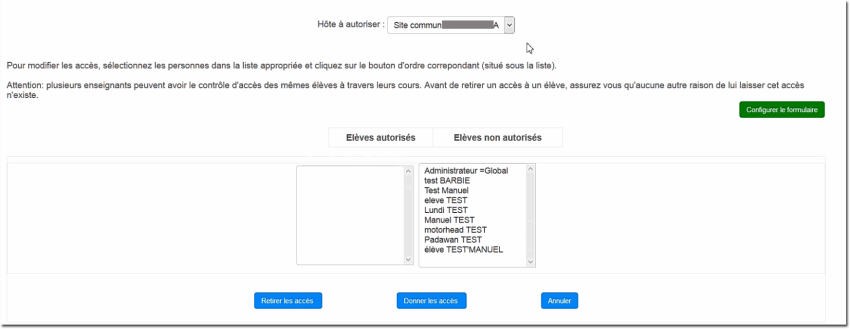
Choose from the user list the users or groups concerned, and click the “Give access to all” button or conversely “Remove access from all”.
 The management rules must be agreed by the teaching staff so that an access granted by teacher A is not removed by teacher B through ignorance of the choice made by A.
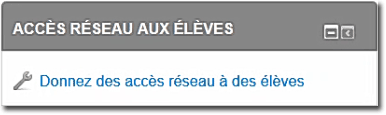 | 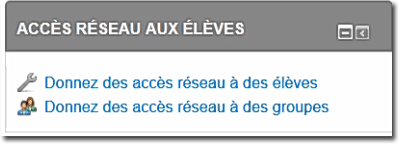 |
Then choose in the form: the network host to join (destination), and the users to authorise.
For groups, the manipulation is identical:
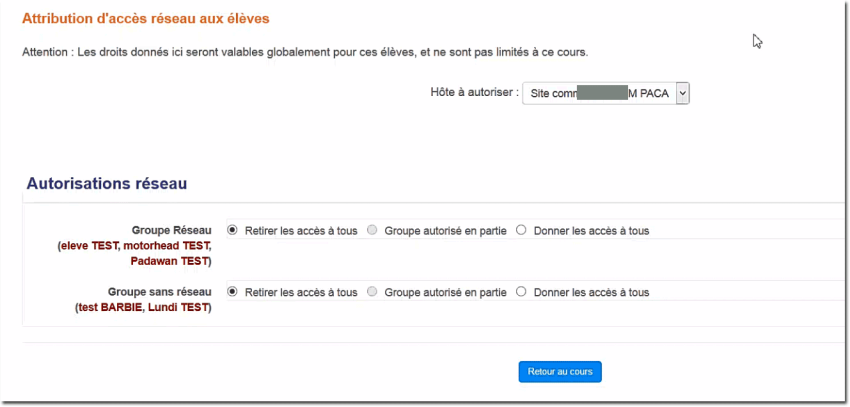
Partially authorised group: Simply indicates that some users have access or not through individual authorisations.
Credits
- Valéry Frémaux (valery@activeprolearn.com)- Development and tests
- Florence Labord (florence@activeprolearn.com) : Documentation
Back to the Group Network block index - Back to the plugin index - Back to the catalog