
tool:sync:indexscreen

Tool Sync: Tools summary
Presentation
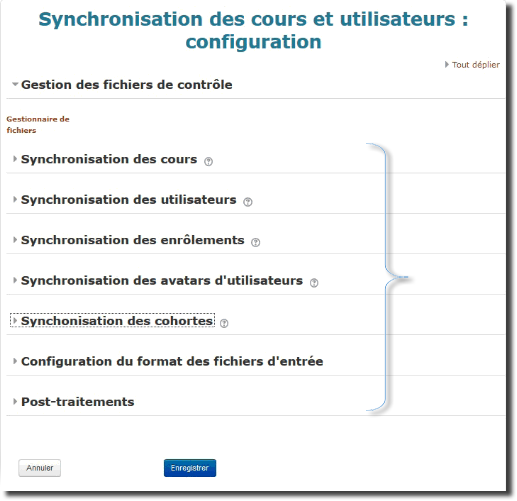
The first screen available gathers all the tools in a single form. This form lets you:
- access the control file manager
- configure the different tools
Expand each portion of the form to access the specific settings of a tool. To see the settings of each tool in detail, go back to the user guide index to read the sheet of your choice.
To save any change to your settings, click save
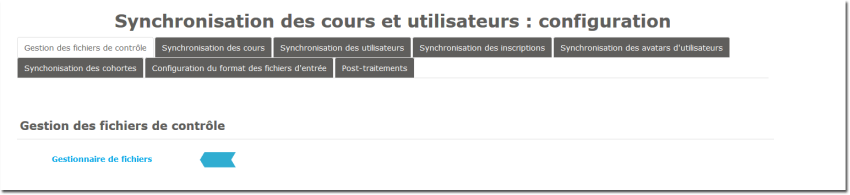
If the interface of your tool is presented in sections, click the relevant tab to access the specific settings of a tool. To access the control file manager, click its name (next to the blue arrow in the illustration)
Back to the user guide index - Back to the component index - Back to the catalogue
tool/sync/indexscreen.txt · Dernière modification : de 127.0.0.1